

Demos and examples
Watch an AI-assisted Airbnb recreation and try native editing, FNX, Git, and agent workflows in Fanta.
The launch overview and three recordings below use the accepted signed Fanta 1.0.0 Public Alpha app. These players use silent recordings with captions and load when you choose Play. Captions identify later checkpoints and reopened views. Complete, readable workflows matter more than speed.
Fanta in 53 seconds
A quick look at native editing, source and Git, and one external Opus 5.5 edit through Fanta MCP. Captions identify the later checkpoints.
Open silent MP4Design in Fanta
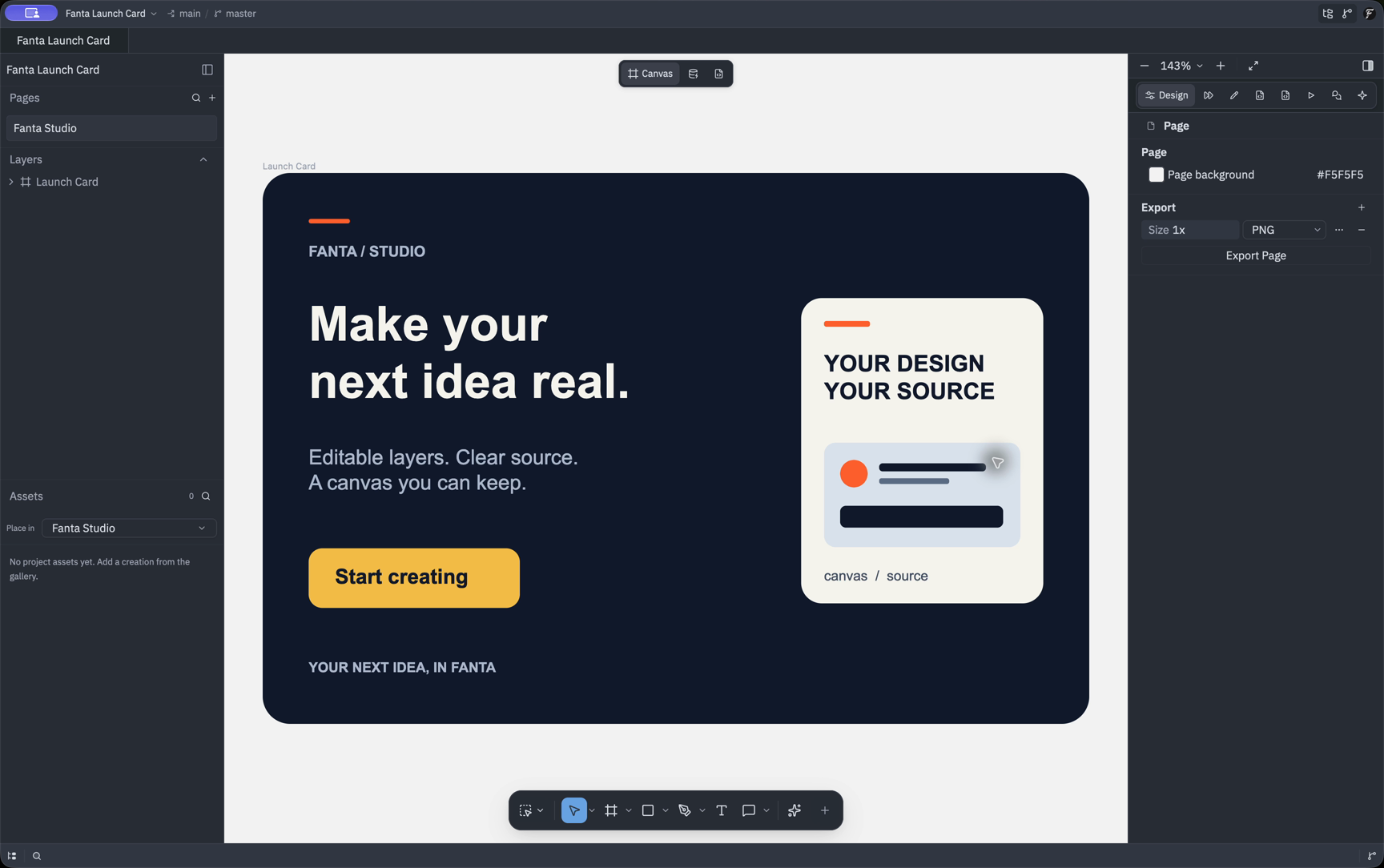
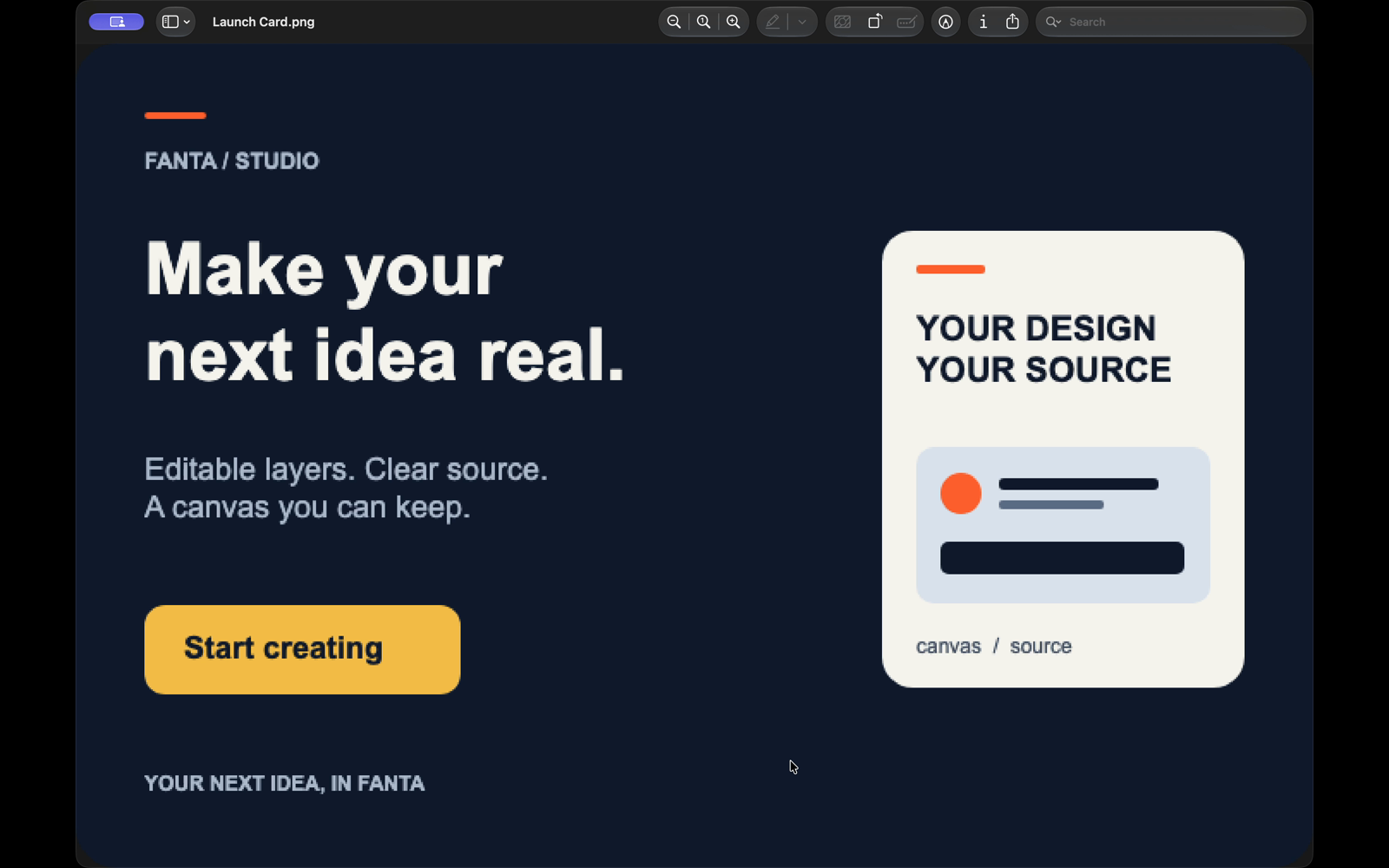
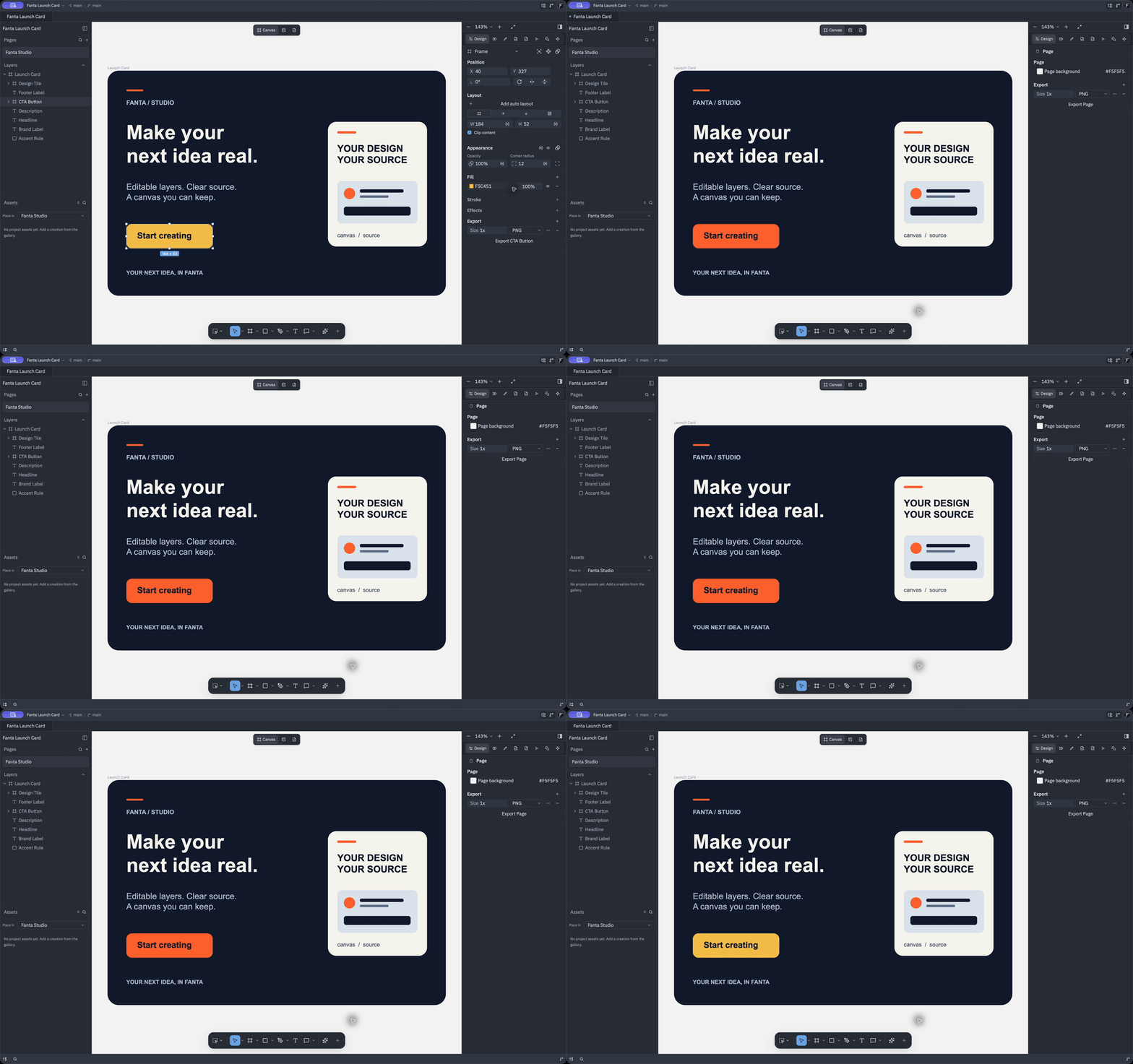
Edit native layers imported from the original .fig sample, Undo and Redo, then inspect the reopened project and actual PNG export.
Open silent MP4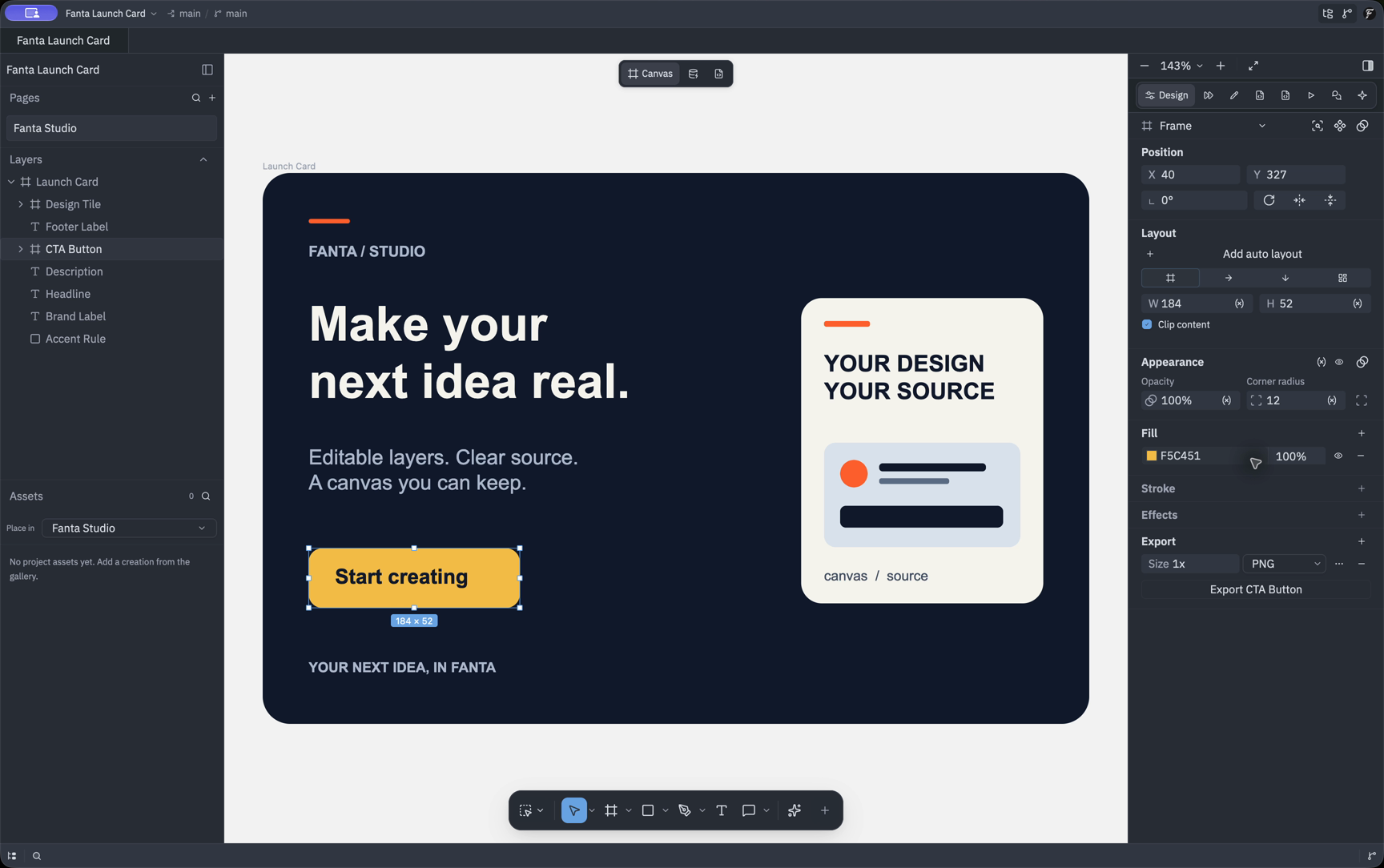
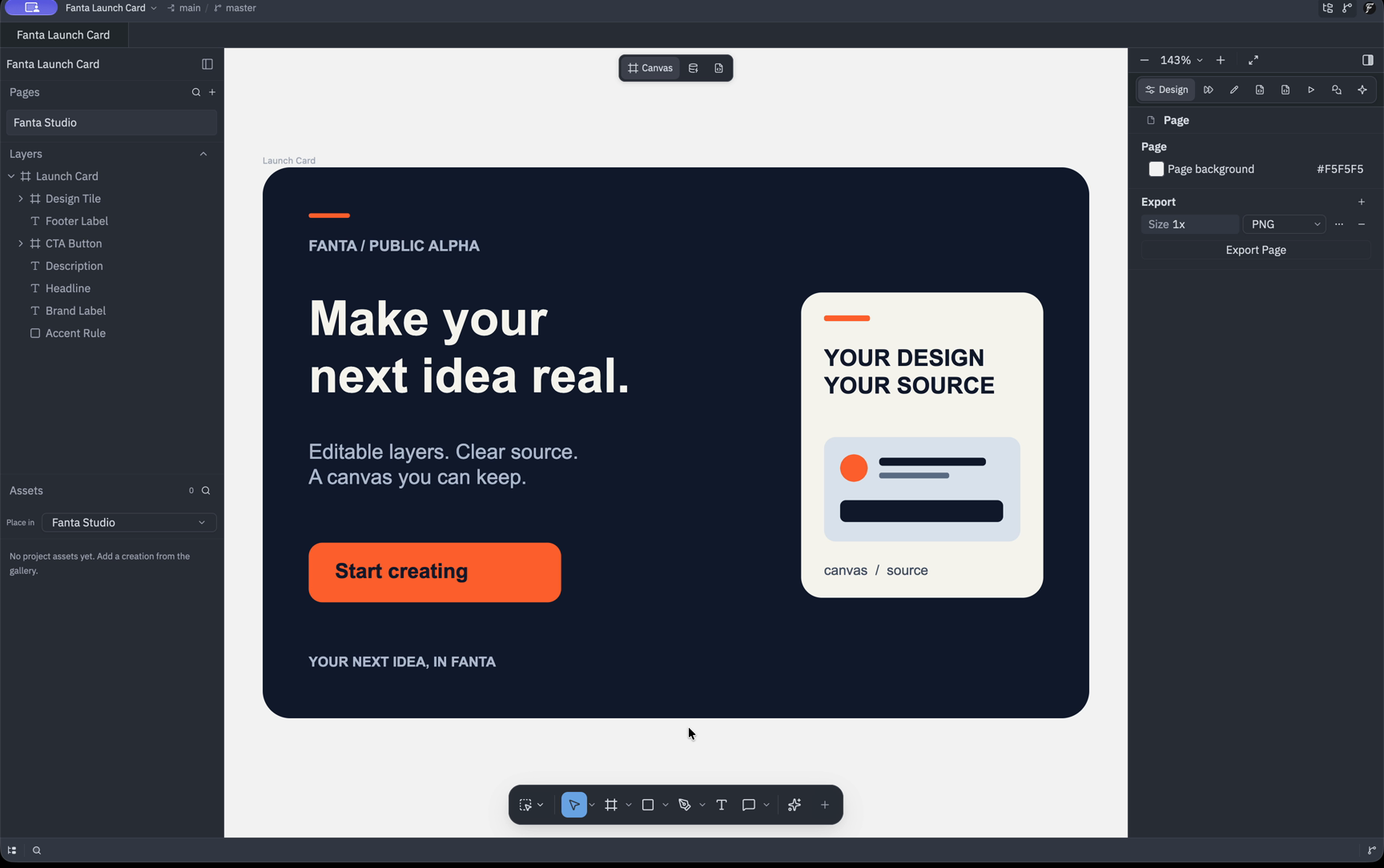
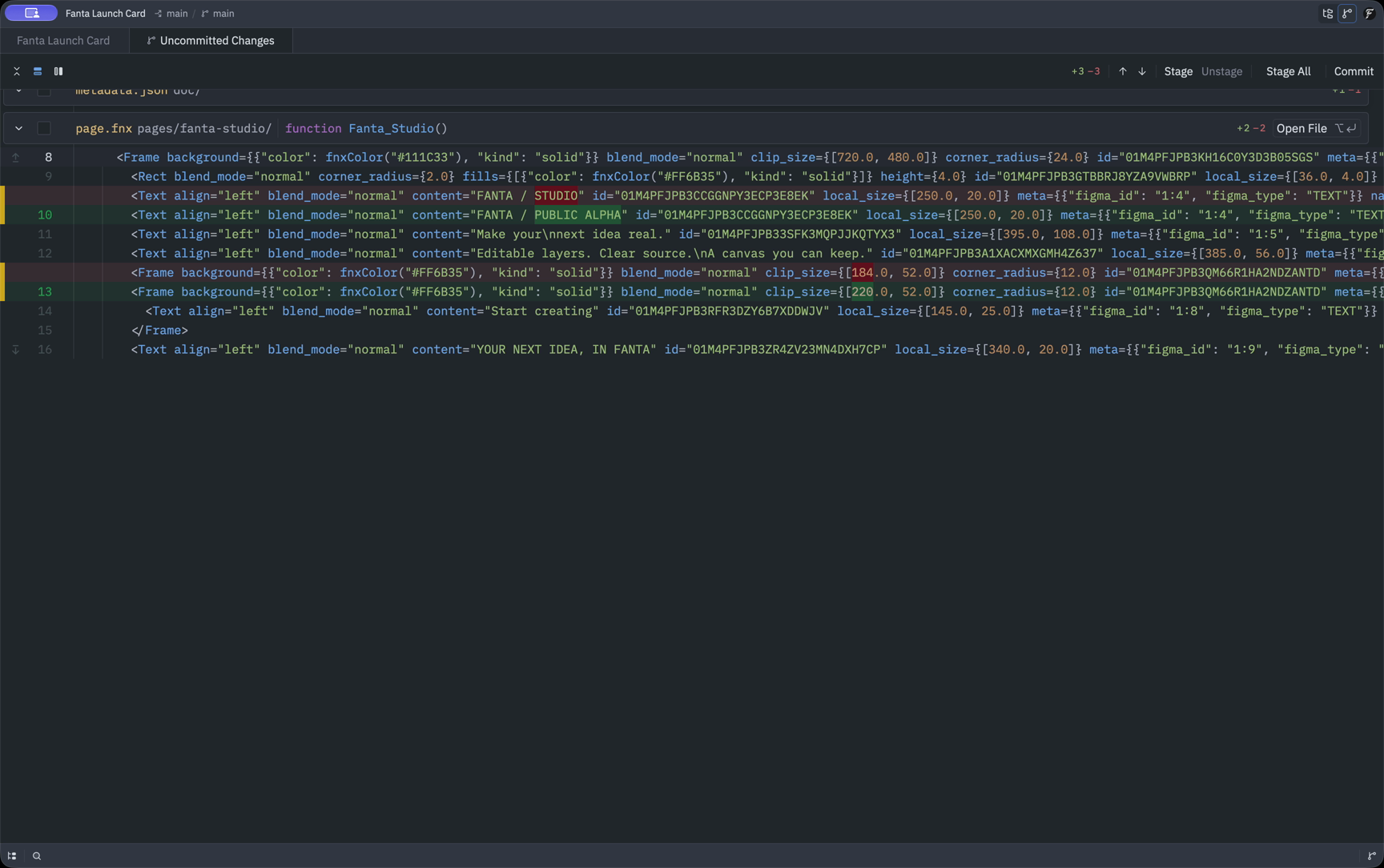
Your design is source
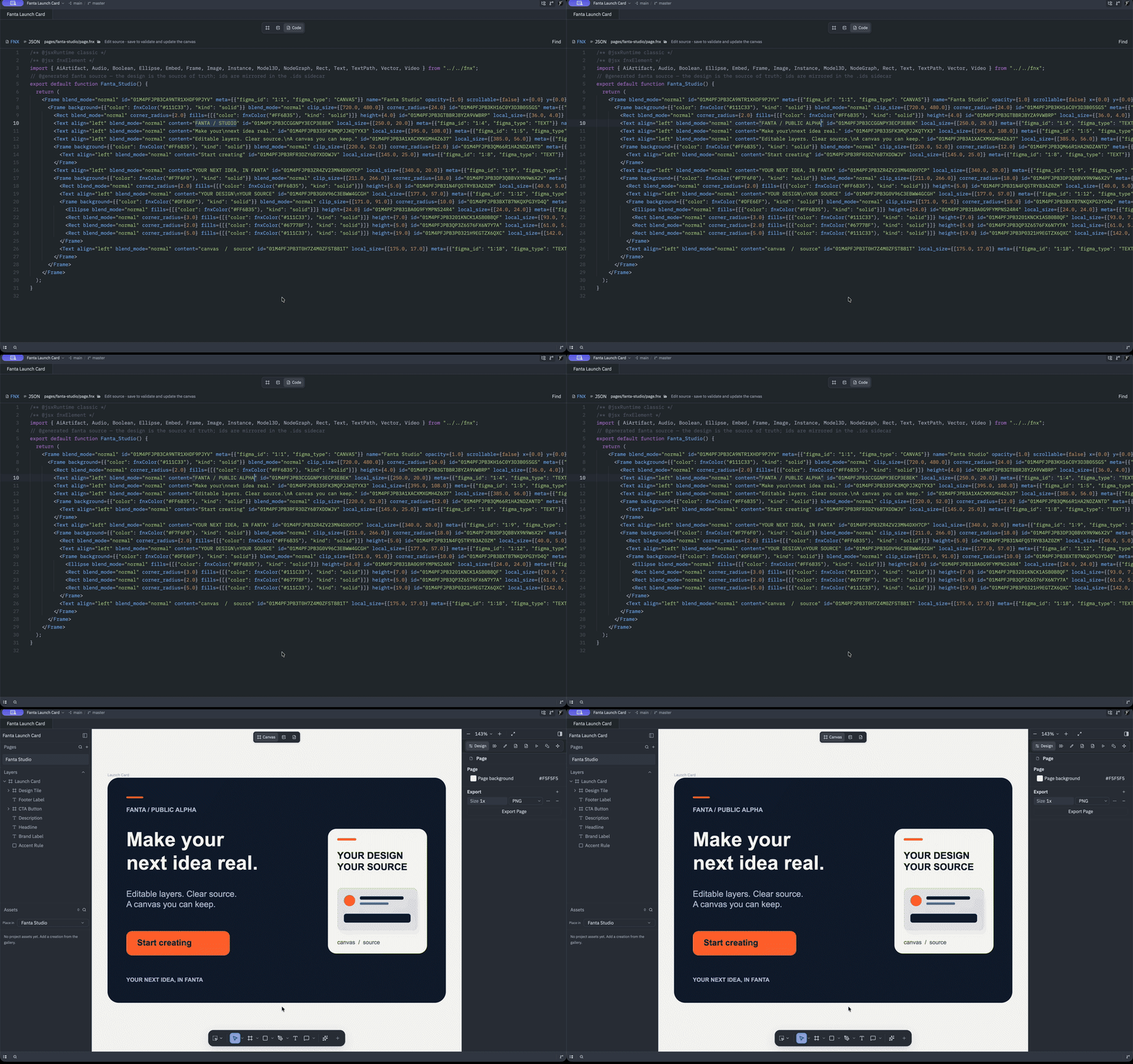
Follow a canvas edit into FNX and Git, save a valid Code edit, and see the canvas update. Captions identify the later Git checkpoint.
Open silent MP4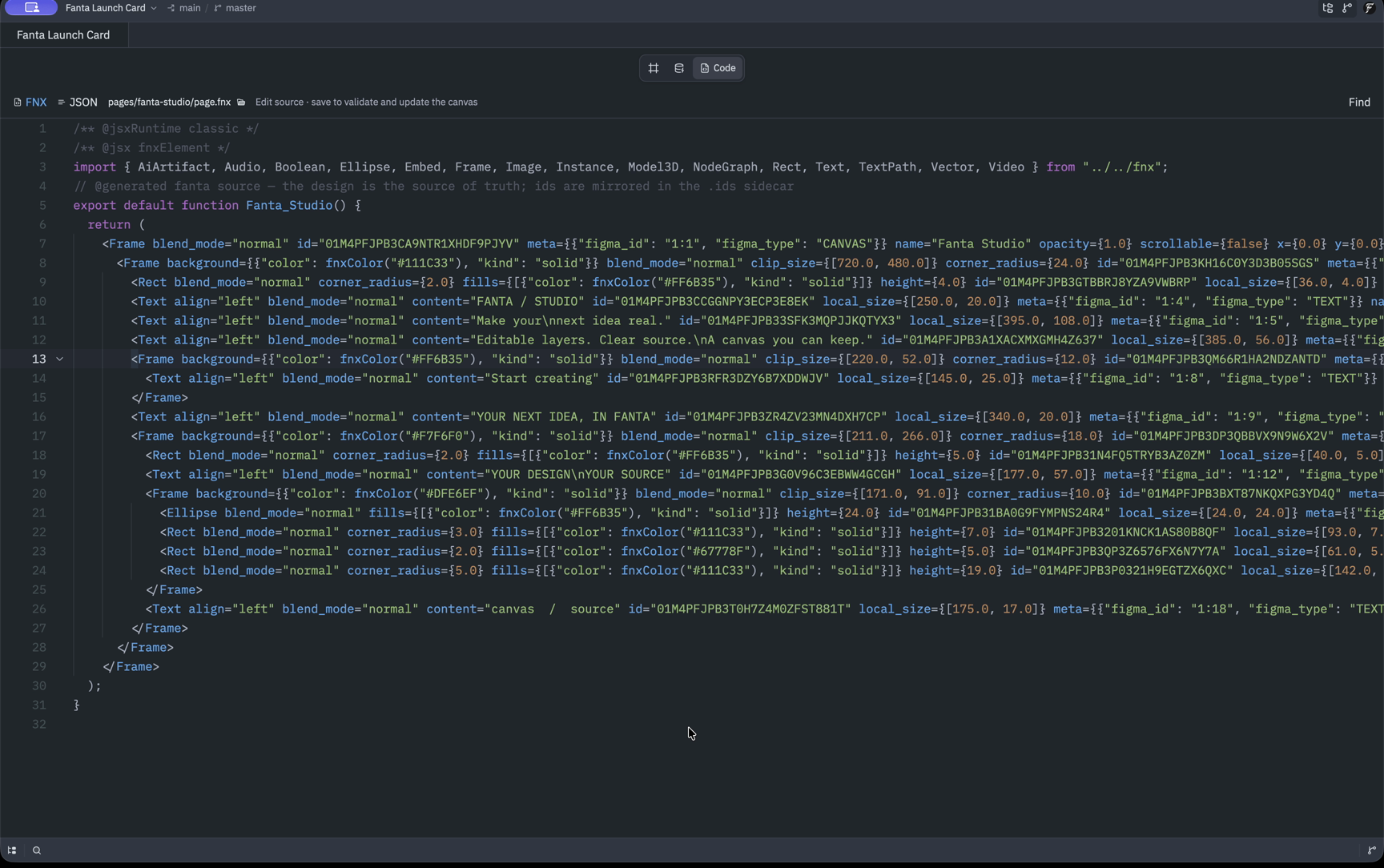
An agent edits your design
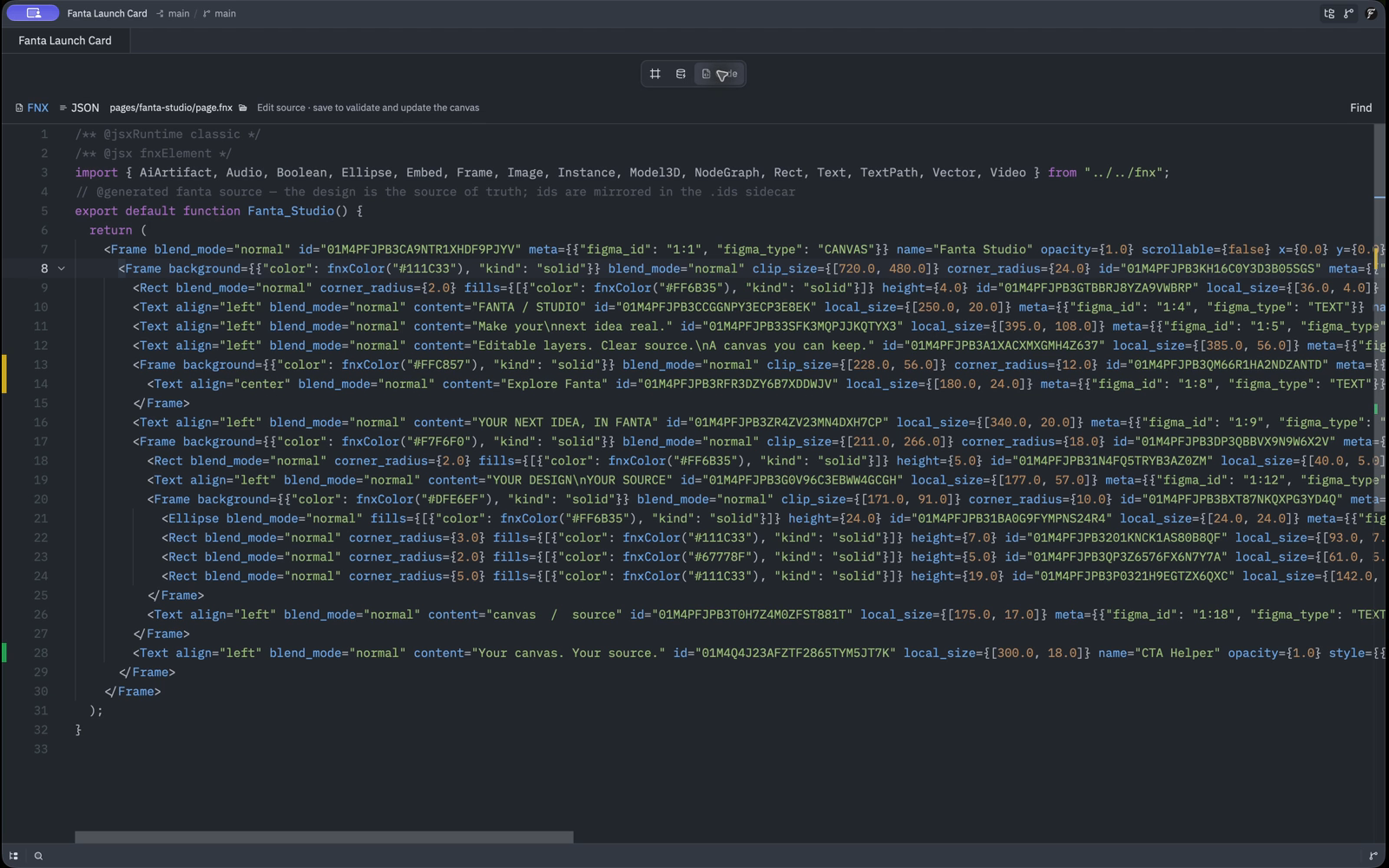
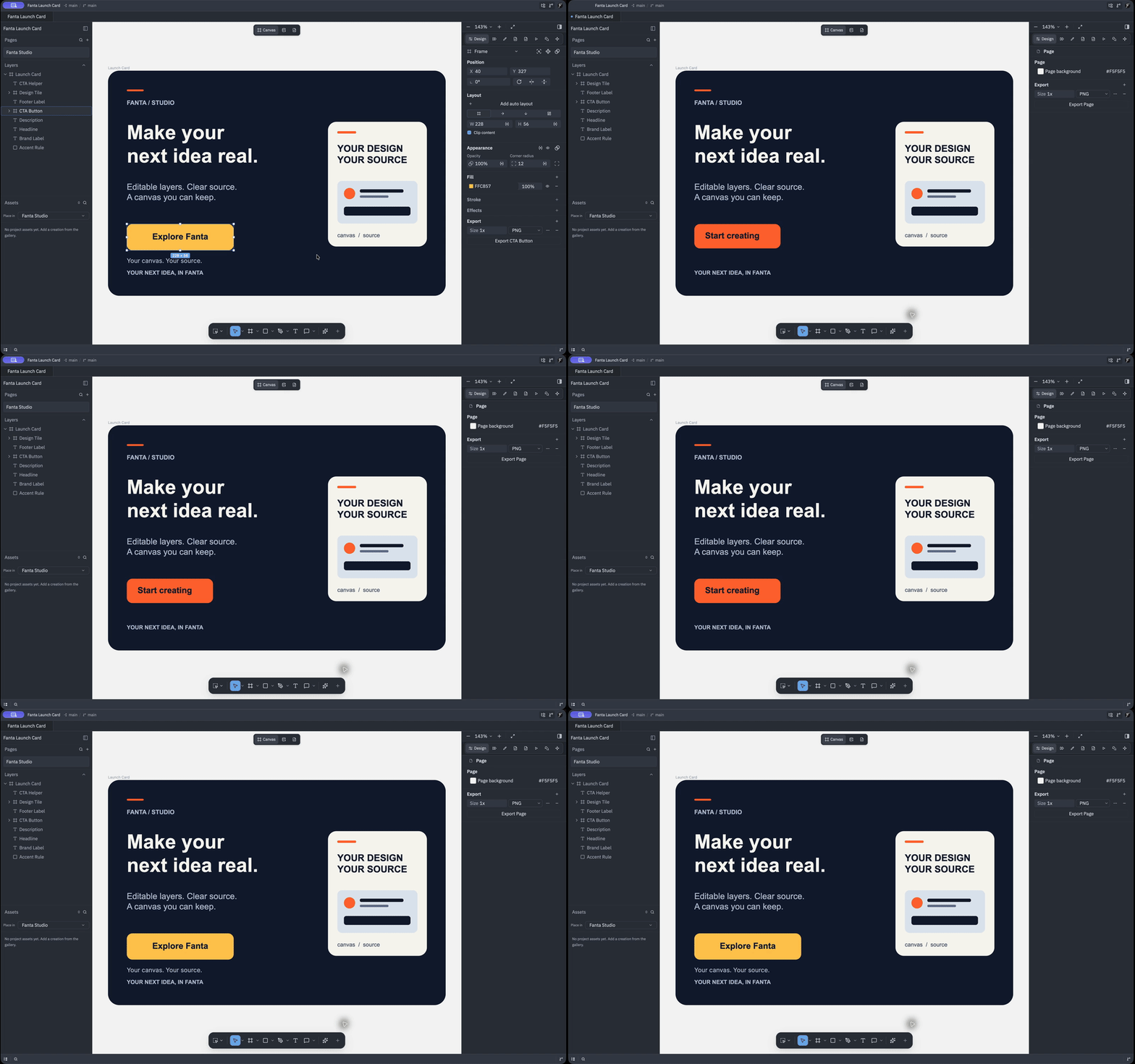
An external Opus 5.5 agent edits one CTA through Fanta MCP. Inspect native layers and saved FNX, then Undo and Redo. Captions identify the later source-view recovery.
Open silent MP4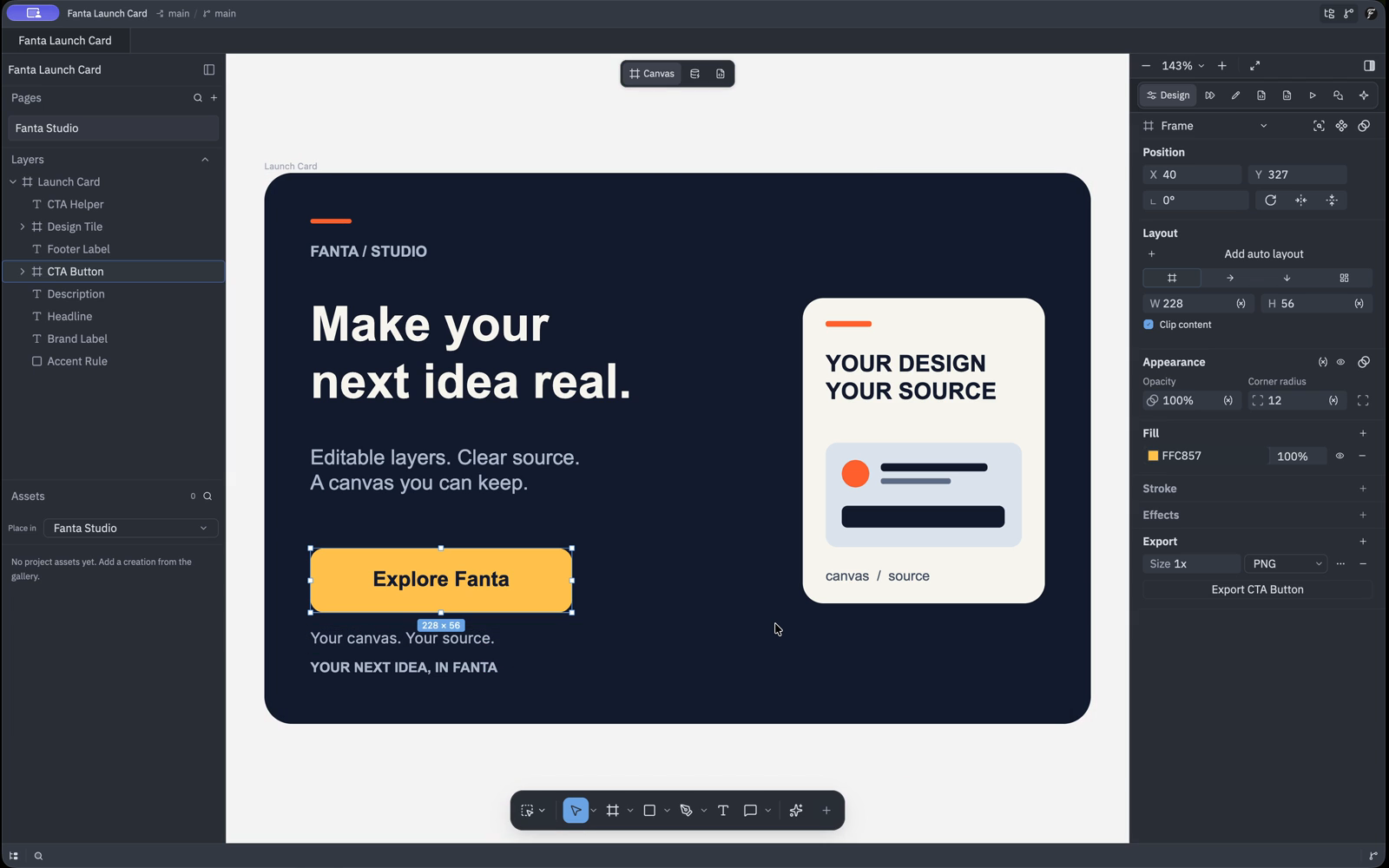
Examples
I Asked AI to Recreate Airbnb — Here’s the Result
A walkthrough from Fanta Design Editor.
The ten-minute exercise
Download the owned Fanta Launch Card sample and unzip it into a folder you own. Open its native project or import the included original Fanta Launch Card .fig. The card uses native text and shapes without third-party artwork. Keep a fresh copy for resets. The download page reports app availability and installation steps.
| Time | Action | Observable result |
|---|---|---|
| 0–2 min | Open the unzipped sample project, or import its original .fig and save into a new folder | Canvas and layers show the same design |
| 2–4 min | Change one shape's fill or position, then Undo and Redo | Both before and after states are visible |
| 4–6 min | Save, open Code and inspect Review Changes | FNX and Git show the canvas edit |
| 6–8 min | Change a Text layer's existing content literal in Code and save | Canvas shows the valid source edit |
| 8–10 min | Save, close and reopen, then export a selected frame as PNG | Saved content returns and the PNG opens |
Keep node IDs unchanged and retain the manifest, identity sidecars and assets. An invalid source draft retains the last valid canvas and file with an error. Resolve or discard it before visual edits. Saving multiple buffers is sequential. Source editing.
Agent extension
The recorded example uses an external Opus 5.5 agent through Fanta MCP to edit one CTA. It shows the resulting native layers, saved source and Undo/Redo. The request ran through the external client; the footage shows the actual result and its inspection in Fanta. Captions identify the later source-view recovery described in troubleshooting.
Connect the agent, verify the intended
project with get_editor_state, and ask for one edit:
Change only the existing button label to “Explore Fanta”. Keep its geometry, styles, IDs and all other layers unchanged. Inspect the result and stop. Do not generate media or call paid services.
Inspect the canvas and FNX, then Undo and Redo. Use the configured verified route and approved spending controls. The local bridge is separate from hosted metered services. Tool scopes.
Help with the first workflow
Use verified community and issue links on the download page for product reports. Include version, macOS, steps and screenshots. Keep account or billing reports private at support@fantaisa.net.