

Brand and assets
Fanta's F mark, app icon, typography, and the visual identity used in these docs.
Fanta's identity starts with its flowing F mark, a dark canvas, and readable type. The product name is Fanta. The line Your design is source. connects the visual editor to the files behind it.
Logo
These are the existing Fanta mark and native app icon used by the product and website.

Keep the mark's proportions and use a version that contrasts with its background. Leave space around it, and keep small navigation placements simple. The light and dark SVGs share the same geometry.
Color and typography
The docs carry the dark foundation and periwinkle/lime accents from Fanta's existing presentation identity. Light mode uses an ivory reading surface.
| Color | Value | Use in the docs |
|---|---|---|
| Ink | #05070b | Dark reading surface and the dark mark |
| Ivory | #ededed | Main text on dark surfaces |
| Periwinkle | #8191ff | Accent family; lighter or darker shades maintain readable contrast |
| Lime | #d8ff78 | Primary action in dark mode |
Geist is the interface and reading typeface. Geist Mono is used for FNX, paths, and small labels. Both match the existing Fanta website typography. The layout keeps screenshots large enough to inspect and makes documentation links easy to find.
Product screenshots
The visual tour contains screenshots captured directly from the installed Fanta 1.0.0 Public Alpha app on October 13, 2026. They show Layers, Variables, layout, components, FNX, Motion, and Prototype controls in owned sample projects. Each figure links to its original full app capture.
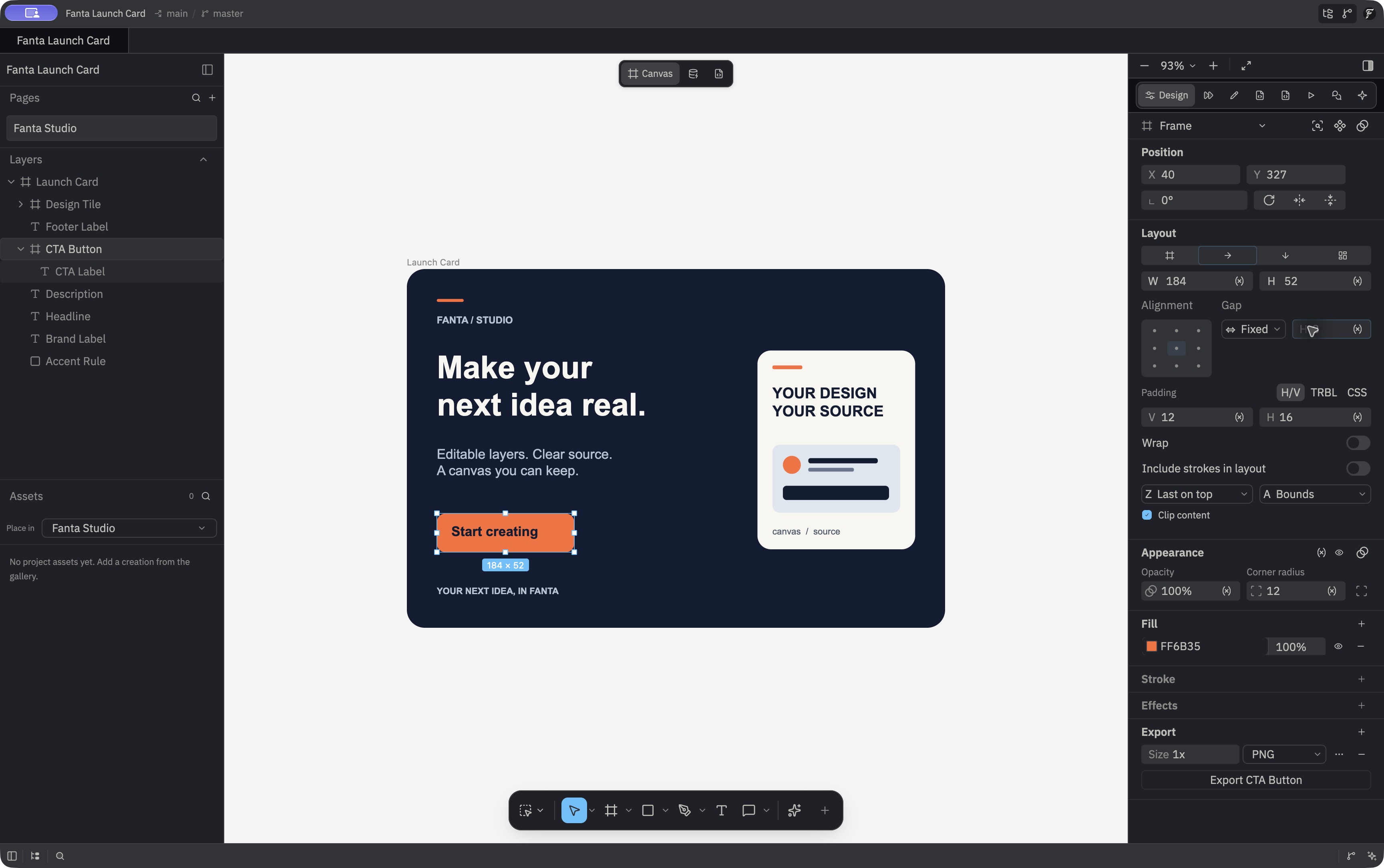
Layers panel · Variables workspace · Motion · Prototype · FNX source
The recorded demos from October 12 cover the canvas → FNX → Git workflow and an agent edit.
The agent capture shows the result of an external agent's MCP edit. Its caption should describe that result; the image does not show an agent conversation.
Writing about Fanta
Describe the workflow concretely: draw on the canvas, save readable source, review a change. Call FNX design source and explain that it is a static format. State which capabilities are available in a build and which are planned. Comparisons with other tools should describe the differences in workflow and supported behavior.